
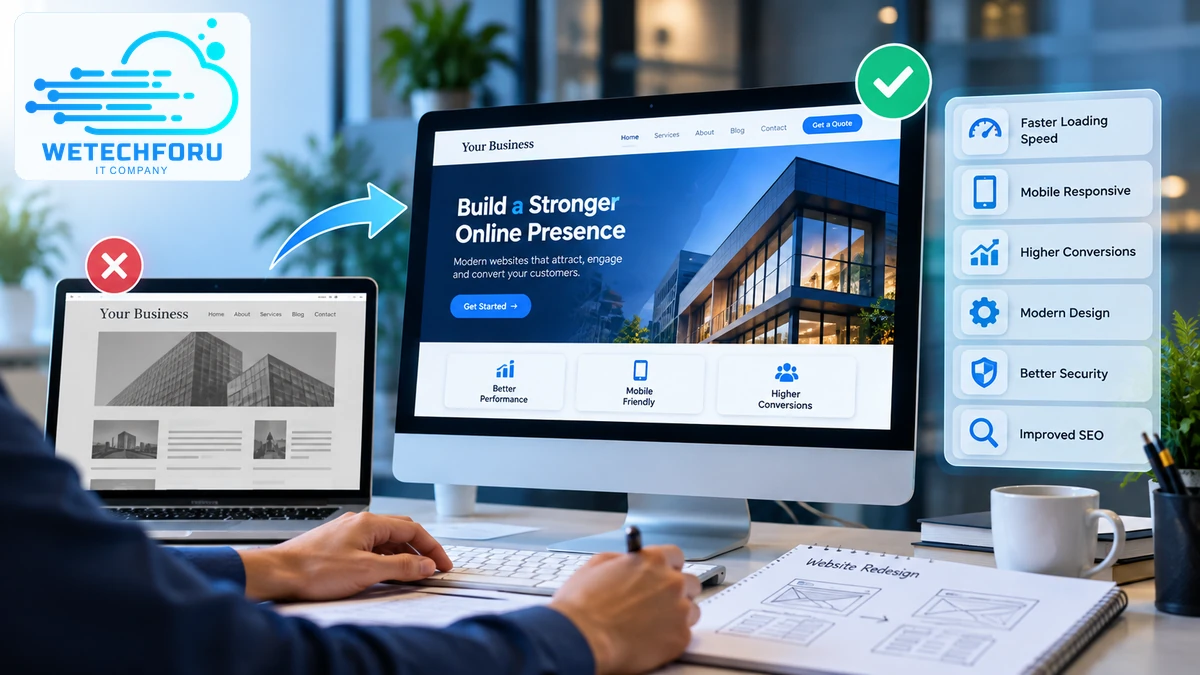
Your website is often the first place potential customers go to learn about your business. If it looks outdated, loads slowly, or makes it difficult for visitors to find information, you could be losing opportunities without realizing it.
However, not every website problem requires a complete rebuild. Sometimes, targeted improvements to the design, content, or performance are enough.
Recognizing the signs your website needs a redesign helps you make an informed decision based on usability, business performance, and technical requirements rather than appearance alone.
Whether you run a local business, professional service company, or growing online brand, here are 12 warning signs to look for, three situations where a redesign may be unnecessary, and a practical checklist to help you decide what to do next.
12 Signs Your Website Needs a Redesign
1. Your Website Looks Outdated
An outdated website can make your business appear less professional, particularly when its layout, typography, colors, or imagery no longer reflect your brand. Crowded sections, inconsistent spacing, and old visual elements can also make information harder to understand.
Your website does not need to follow every design trend. It should look professional, consistent, and relevant to your audience. If the current design no longer represents your business, a redesign may be worth considering.
2. Your Website Doesn’t Work Well on Mobile Devices
A website should be easy to use on smartphones and tablets, not just desktop computers. Visitors may leave if text is too small, buttons are difficult to tap, images overflow the screen, or navigation becomes confusing.
Test your important pages on several screen sizes. Check the menus, contact forms, service pages, and calls to action. If mobile usability problems affect much of the website, redesigning the layout may be more effective than making isolated fixes.
3. Your Pages Load Slowly
Slow-loading pages create friction and can discourage visitors from exploring your services. Large images, unnecessary scripts, poorly configured hosting, and excessive plugins are common causes.
Before replacing the entire website, run performance tests and identify the underlying problems. Image optimization, caching, better hosting, and code improvements may resolve them without a full redesign. If the existing platform prevents meaningful performance improvements, a larger rebuild may be justified.
Tell us what you are working on, and we will help map a practical way forward.
4. Visitors Aren’t Taking Action
A business website should guide visitors toward meaningful actions, such as requesting a quote, scheduling an appointment, purchasing a product, or calling your team.
If visitors browse but rarely convert, examine your landing pages, messaging, forms, and calls to action. Confusing layouts or missing trust signals could be contributing to the problem.
Use analytics and form-submission data to investigate before assuming the design is responsible. A redesign should address identifiable conversion barriers rather than simply introduce a different look.
5. Your Navigation Is Confusing
Visitors should be able to locate your services, business information, pricing details where applicable, and contact options without unnecessary effort.
If your menu contains too many categories, important pages are buried, or different sections use inconsistent navigation, visitors may struggle to understand your offerings.
Simplifying the menu and reorganizing your pages could solve the issue. When the website’s overall structure has become difficult to manage, redesigning its information architecture may provide a more lasting solution.
6. Your Brand Has Changed
Your company may have expanded its services, entered a new market, updated its visual identity, or shifted its target audience. If the website still communicates your previous positioning, potential customers may receive the wrong impression.
A redesign can align your website’s messaging, imagery, service pages, and visual identity with your current business strategy. Review your website design options to understand the elements that may need attention.
7. Your Website Is Difficult to Update
Business websites need regular changes, from updating service information to publishing articles and adding new pages. If every small edit requires developer assistance, the current content management system may no longer suit your workflow.
A redesign can introduce a more manageable structure, reusable page templates, or an appropriate content management system. Explore professional website development services to evaluate options based on your team’s needs.
8. Your Website Has Technical Problems
Broken forms, outdated software, recurring errors, incompatible plugins, and security vulnerabilities can affect reliability and customer confidence.
Not every technical issue requires a complete redesign. Start with a technical audit to determine whether the problems can be resolved through maintenance or whether the underlying platform has become difficult to support.
If the site relies on outdated technology or has significant structural limitations, rebuilding it may provide a safer and more sustainable foundation.
9. Your Search Visibility Is Declining
A decline in organic traffic can indicate changes in search demand, competition, content quality, technical SEO, or website usability. It does not automatically mean the design needs replacing.
Review search performance, indexing, page speed, mobile usability, internal links, and changes in your content. A redesign may help when the existing architecture prevents important pages from being organized or optimized properly.
During a rebuild, preserve valuable URLs where possible and create appropriate redirects when URLs must change. Otherwise, a redesign could introduce avoidable search visibility problems.
10. Your Competitors Offer a Better Online Experience
Compare your website with competitors that serve similar customers. Look at how clearly they explain their services, organize information, build trust, and help visitors take the next step.
The purpose is not to copy another company’s design. It is to identify gaps in your own customer experience and determine where improvements could make your business more competitive.
Reviewing a provider’s portfolio of completed projects can also help you assess different approaches to website structure and presentation.
11. Your Website No Longer Supports Business Growth
A website that worked for a small startup may struggle when the business adds service locations, expands its offerings, or needs integrations with other systems.
If adding new pages or features has become complicated, the current architecture may be restricting growth. A redesign gives you an opportunity to plan for new content, improved lead generation, integrations, and future functionality.
Before deciding, outline your next two or three years of business requirements. This helps you choose a solution that addresses current issues without unnecessarily complicating the website.
12. Visitors Don’t Trust Your Website
Potential customers look for signs that a business is legitimate, active, and dependable. Missing contact information, broken links, inconsistent branding, outdated service details, and poorly functioning forms can undermine confidence.
Review your contact information, business details, testimonials, case studies, privacy information, and overall presentation. Make sure important claims are accurate and that customers can reach your team easily.
If trust issues appear throughout the site, a redesign can help create a more consistent and credible experience.
When to Redesign Your Website: Three Signs You Don’t Need a Complete Rebuild
Not every problem justifies starting over. Consider these three situations before investing in a full redesign.
1. Only a Few Sections Need Improvement
If most pages work well and visitors can navigate the site comfortably, targeted updates may be sufficient. Improving the homepage, updating service-page layouts, refreshing images, or revising calls to action can make a meaningful difference without replacing the entire website.
2. Your Main Problem Is Slow Performance
If the design and structure are effective but pages load slowly, investigate hosting, image sizes, caching, scripts, and plugin performance first. A technical optimization project may solve the problem at a lower cost.
3. You Have Limited Evidence of a Larger Problem
A temporary traffic decline or a personal dislike of the current design is not enough to justify a complete rebuild. Review analytics, customer feedback, conversion data, and technical performance before committing to a major project.
These distinctions explain the difference between a website redesign vs refresh. A refresh typically involves updating selected visual elements or content, whereas a redesign may change layouts, page structure, functionality, and the overall user experience.
Website Redesign Checklist
Before deciding when to redesign your website, evaluate the following areas:
- Design: Does the website represent your current brand and business goals?
- Mobile usability: Can visitors navigate and complete important actions on smaller screens?
- Performance: Have loading speed and technical errors been investigated?
- Conversions: Are forms, calls to action, and contact options working properly?
- SEO: Are valuable pages indexed, internally linked, and protected during potential URL changes?
- Content: Are service descriptions, business details, and supporting articles current?
- Security: Are software, plugins, backups, and access controls properly maintained?
- Scalability: Can the website support planned services, integrations, and business growth?
This website redesign checklist helps you separate urgent problems from optional improvements and establish a clear project scope.
How Often Should You Redesign a Website?
There is no universal schedule for redesigning a website. Some businesses need substantial changes after a few years, while others can maintain an effective site for much longer through regular optimization.
Rather than following a fixed timeline, review your design, usability, technical performance, conversion data, and business requirements periodically. A website that continues to meet customer needs does not automatically need a rebuild because of its age.
The most important question is whether your website supports your current objectives and can adapt to future requirements.
Choosing a Website Redesign Company in the USA
When evaluating a website redesign company USA businesses can work with, look beyond visual presentation and headline pricing. Ask how the provider evaluates your existing website, measures success, protects search visibility, and handles testing before launch.
Review previous projects, understand the proposed scope, and clarify who owns the website files, domain, content, and administrator accounts. Confirm the number of revisions, launch timeline, ongoing maintenance arrangements, and any recurring costs.
You can learn more about Wetechforu, explore its wider range of digital services, and read further website guidance on its blog.
If you need help evaluating your existing website, contact Wetechforu to discuss the site’s issues, redesign priorities, and potential next steps.
Tell us what you are working on, and we will help map a practical way forward.
Frequently Asked Questions
Common signs include an outdated appearance, poor mobile usability, slow loading, confusing navigation, declining conversions, recurring technical errors, and difficulty updating content. A redesign may also be necessary when your website no longer reflects your brand or supports your business growth. Review performance data before deciding whether a complete rebuild is necessary.
There is no mandatory redesign interval. The right timing depends on changes in your business, customer expectations, technology, performance, and website functionality. Regular reviews can help you identify problems early and make smaller improvements before a major redesign becomes necessary.
A website refresh generally updates selected elements, such as typography, colors, images, or calls to action, while keeping the underlying structure largely intact. A redesign may involve new layouts, navigation, content organization, functionality, or technology. The appropriate option depends on the scale and cause of the problems.
A redesign can support SEO by improving mobile usability, page structure, performance, and content organization. However, it does not guarantee higher rankings. Poorly managed URL changes, missing redirects, deleted content, or new technical errors can damage search visibility, so SEO planning should be included from the beginning.
The cost depends on the number of pages, design complexity, platform, functionality, content requirements, and migration needs. A relatively simple redesign may cost a few thousand dollars, while a larger project with custom layouts and integrations can cost significantly more. Request an itemized proposal based on your website’s actual condition and requirements.
Yes. Targeted improvements may be enough when the current website has a reliable technical foundation and a structure that still suits your business. Updating content, improving page speed, fixing mobile issues, simplifying navigation, and refining calls to action can address specific problems without the cost of a complete redesign.